Press "Enter" to skip to content

VovSoft Audio to Lyrics Converter 1.2

VovSoft Audio to Lyrics Converter 1.2 | Size: 133.4 MB
Language: English

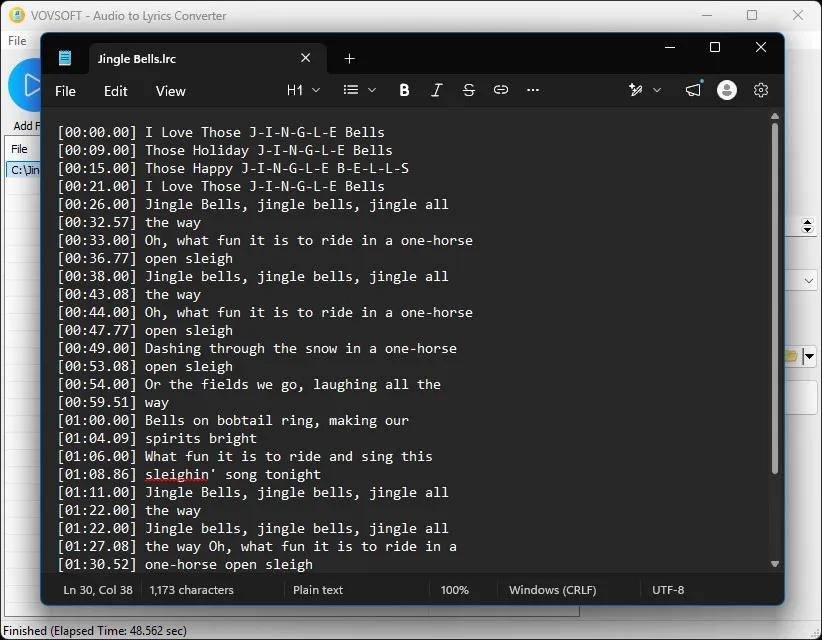
Vovsoft Audio to Lyrics Converter is a user-friendly, lightweight Windows utility designed to automatically generate text transcripts from audio files. Powered by offline AI models, this software "listens" to your tracks and accurately extracts the spoken or sung words, outputting them into perfectly timed lyric or subtitle files.

VovSoft Batch Audio Converter 2.1

VovSoft Batch Audio Converter 2.1 | Size: 18.31 MB
Language: English

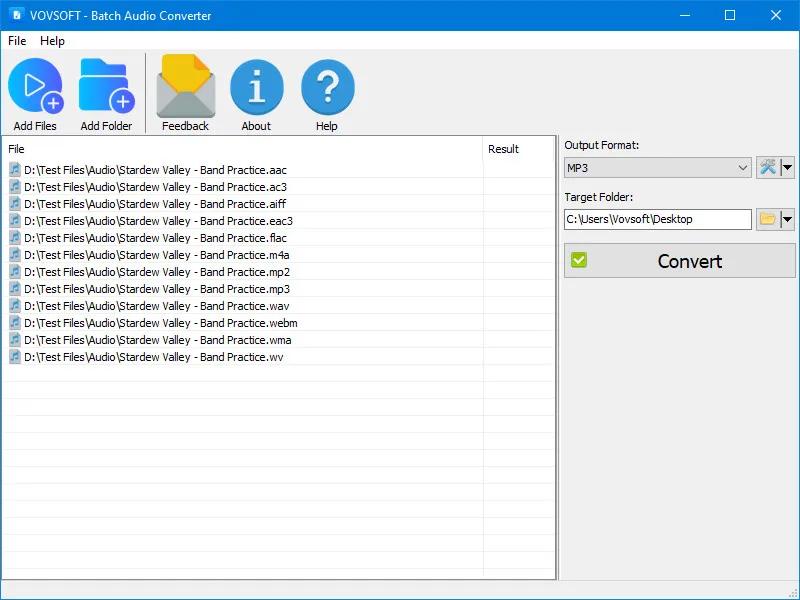
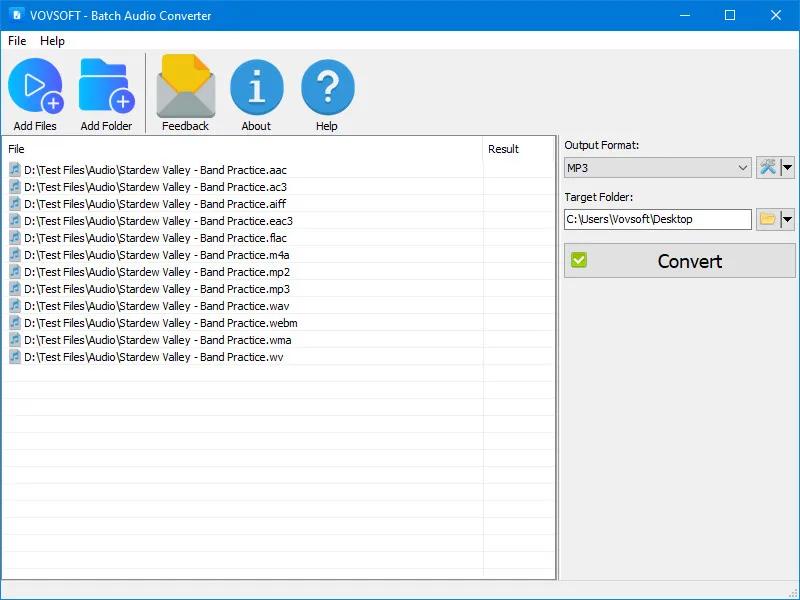
Vovsoft Batch Audio Converter is your go-to solution for converting audio files quickly and efficiently. This powerful Windows software allows you to handle bulk audio conversions with ease. Simply drag and drop your files, select your desired output format, and let the software do the rest.

Whether you’re managing a music library, preparing audio files for a project, or ensuring compatibility across platforms, this program delivers high-quality results with minimal effort.
Bulk Conversion: Convert multiple files at once to save time.
Drag-and-Drop Simplicity: Add files directly from Windows Explorer.
Wide Format Support: Handles all popular audio file types, ensuring compatibility with your devices and applications.
Customizable Output Settings: Adjust bitrate, sampling rate, and audio channels (mono, stereo, 5.1, 7.1) for tailored results.
Flexible Destination Management: Set your preferred output directory for better organization.

VovSoft Tree Notes 3.0

VovSoft Tree Notes 3.0 | Size: 7.02 MB
Language: English

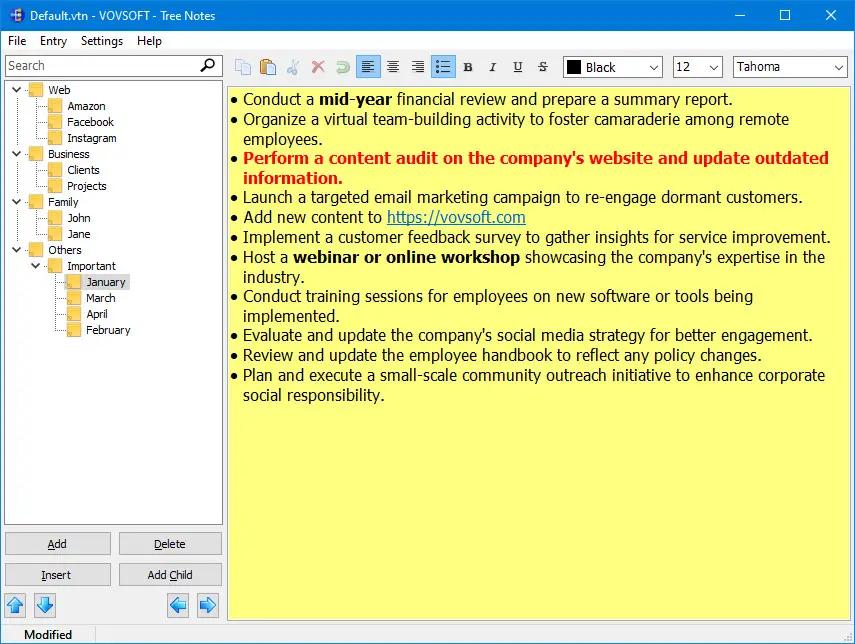
Vovsoft Tree Notes is a hierarchical note-taking application designed to enhance your organizational efficiency and streamline your information management process. This powerful software provides users with a user-friendly platform to create, organize, and access their notes effortlessly.

Hierarchical Structure: Organize your thoughts, ideas, and information seamlessly using a hierarchical structure. Create a tree-like arrangement of notes, allowing you to categorize and subdivide your content for a clear and intuitive overview.

Search: Find information effortlessly with Tree Notes’ robust search functionality. Quickly locate specific notes within the hierarchical structure, saving valuable time.

VovSoft VCF Editor 2.6

VovSoft VCF Editor 2.6 | Size: 6.21 MB
Language: English

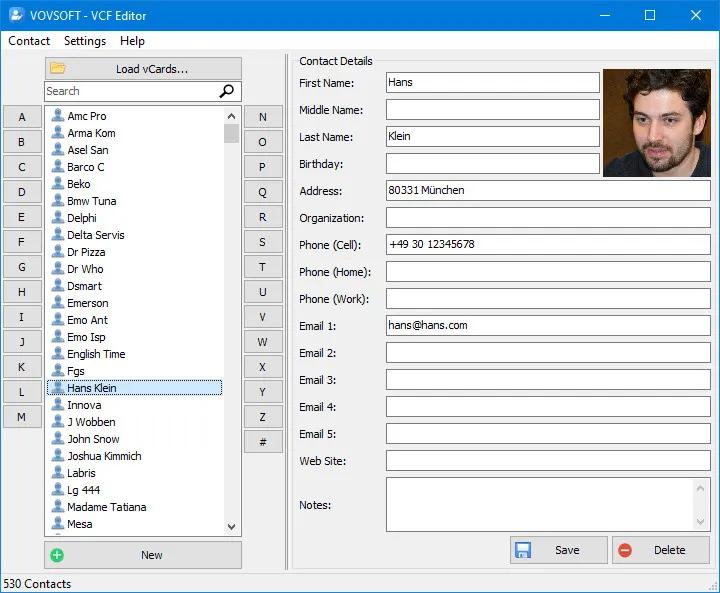
Vovsoft VCF Editor is a powerful, offline tool designed for managing and editing vCard files (VCF) on Windows. Running locally on the user’s computer, it ensures privacy and security by processing all data offline without the need for an internet connection. This makes it ideal for users who prioritize keeping their contact information private and secure.

vCard Editor
This vCard editor software enables users to easily load, view, and edit key contact fields such as names, surnames, phone numbers, addresses, and other personal details. Whether you’re working with a single vCard or managing multiple files simultaneously, VCF Editor simplifies the process with its intuitive interface and efficient performance.

VovSoft PDF to Text Converter 1.5

VovSoft PDF to Text Converter 1.5 | Size: 7.34 MB
Language: English

PDF (Portable Document Format), developed by Adobe, is a widely used format that helps people share their documents with each other. However, handling PDF documents requires dedicated software. Vovsoft PDF to Text Converter is a hassle-free software solution that makes it easy for you to convert your PDF documents to texts that can be exported to standalone files. The program can convert PDF files to TXT files without uploading them to online servers.

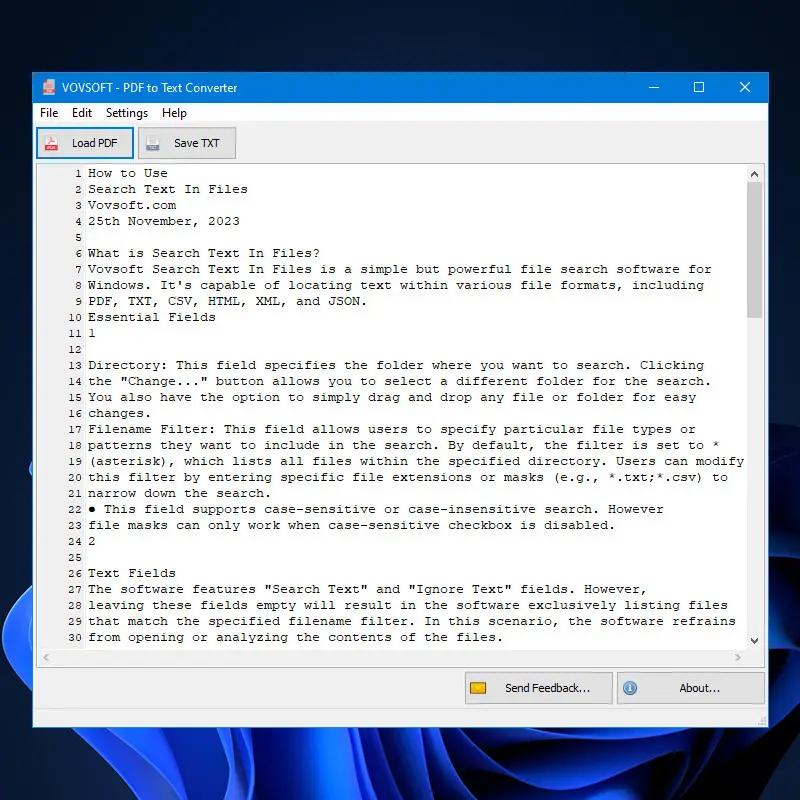
The main window is minimalist, all available features are as clear as possible, so that even novices can easily extract the contents of their PDF files. You can load more than one file at a time. In other words, you can select multiple documents by manually browsing to their location or using drag’n’drop, then extract their content all at the same time.

All their text is automatically extracted and shown within the main window, while also offering you the possibility to make changes if needed – you can treat it as if it were any other text document on your PC. You can cut, copy and paste words, sentences or paragraphs. When you are done altering the data and you are happy with the result, you can save it as TXT and store it to any folder.

VovSoft Domain Checker 10.4

VovSoft Domain Checker 10.4 | Size: 8.23 MB
Language: English

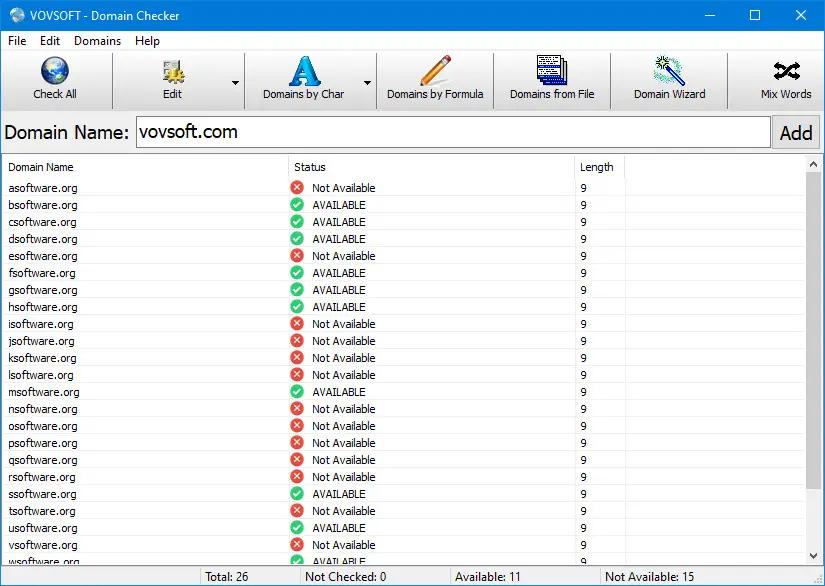
Check availability of multiple domain names at once. Obtain domain name status information with this effective and intuitive application that allows you to batch process multiple entries.

Vovsoft Domain Checker is a simple, but powerful whois lookup tool for users that require a bulk domain availability checker software. The software supports the most common top-level domains (TLD), and users are free to add new ones. Anyone interested in releasing new websites will benefit from this utility, as it allows one to check for domain name availability. The ability to batch process multiple entries makes it a worthwhile tool, when several options are being considered for the future site. The application features an efficiency-geared GUI that allows one to quickly generate simple or advanced scans.

The application employs several auxiliary windows, which are accessed either from menu, or from the large topside buttons. Besides manual input of desired items, one can also import lists from files.

VovSoft Batch Audio Converter 2.0

VovSoft Batch Audio Converter 2.0 | Size: 18.31 MB
Language: English

Vovsoft Batch Audio Converter is your go-to solution for converting audio files quickly and efficiently. This powerful Windows software allows you to handle bulk audio conversions with ease. Simply drag and drop your files, select your desired output format, and let the software do the rest.

Whether you’re managing a music library, preparing audio files for a project, or ensuring compatibility across platforms, this program delivers high-quality results with minimal effort.
Bulk Conversion: Convert multiple files at once to save time.
Drag-and-Drop Simplicity: Add files directly from Windows Explorer.
Wide Format Support: Handles all popular audio file types, ensuring compatibility with your devices and applications.
Customizable Output Settings: Adjust bitrate, sampling rate, and audio channels (mono, stereo, 5.1, 7.1) for tailored results.
Flexible Destination Management: Set your preferred output directory for better organization.